If you coach IntimFLEX or pelvic-floor training, your social feed is part of your practice. Clients discover you through Reels, TikTok, and Shorts long before they book a session. The bottleneck is rarely the method — it is turning honest still photos into scroll-stopping motion without a film crew. That is where Nubee AI fits: a free-to-try image-to-video tool built for mobile creators who need cinematic clips from portraits, studio shots, and product stills.
This review looks at Nubee AI through a coach self-promotion lens — how to animate workout photos, studio atmosphere, and brand assets for social, while keeping claims grounded and identities intact.
What Nubee AI actually does
Nubee AI turns still photos into short cinematic videos with camera motion, lighting shifts, and natural physics. You upload a JPG, PNG, or WebP, guide the motion in English or Spanish (or tap a preset), and export an MP4. Aspect ratios cover the social stack coaches actually use: 9:16 for Reels, TikTok, and Shorts; 16:9 for YouTube and site heroes; 1:1 for feed posts and product cards.
Two workflows sit side by side:
- Web Studio at nubee-ai.com/try — drag-and-drop upload, motion presets, aspect-ratio picker, browser preview.
- AI Bot at nubee-ai.com/bot — send a photo from your phone chat, add a short caption, get the animated clip back on the go.
Average render time sits around ~12 seconds. Generation runs in the cloud, so you do not need a laptop GPU. The landing promise that matters for coaches: a true free try with no credit card required before you decide whether it belongs in your content stack.
Why IntimFLEX coaches need motion from stills
Most coaching libraries are photos: form cues on a mat, a calm studio corner, a mat or ball product shot, a portrait for the personal brand. Shooting original video for every tip is expensive and hard between client blocks. Image-to-video lets you reuse what you already shot — without inventing medical results or fake “before/after transformations” in motion.
Use motion to show atmosphere, presence, and clarity. Keep outcome language honest. If you teach IntimFLEX, point people to structured training and coaching paths on the site rather than letting an AI clip oversell results. Soft starting points: the coach page and certification path.
Coach self-promotion use cases that work
1. Portrait and studio hooks for Reels
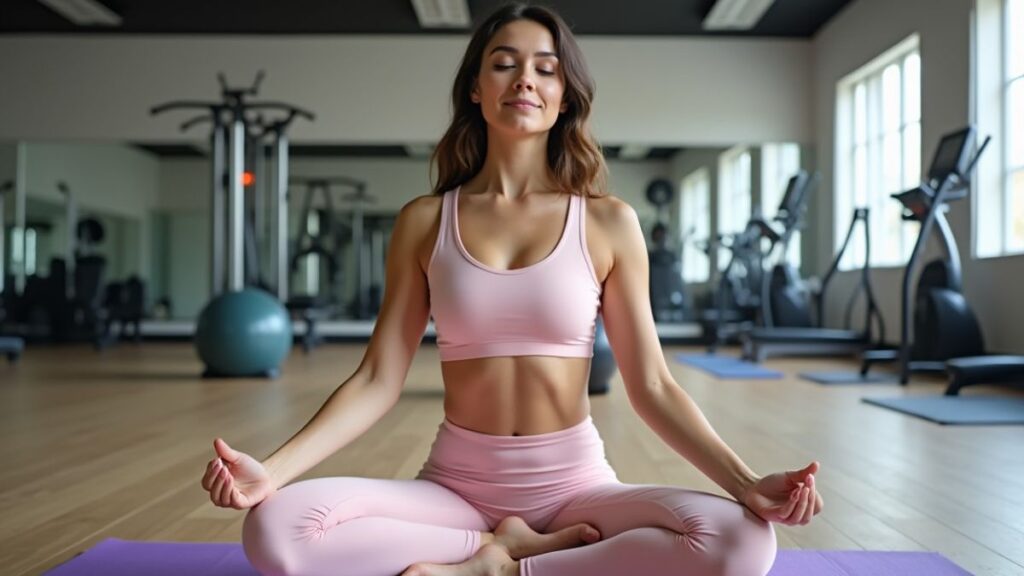
Animate a coaching portrait or a clean studio still with a slow push-in or gentle pan. The goal is a first-second hook that feels alive while preserving face, wardrobe, and room identity. Export 9:16, add a short caption about today’s cue, and post. Nubee’s “keep composition and details” framing is exactly what personal-brand clips need.
2. Exercise form photos → tip clips
Turn a still of a setup or alignment cue into a short motion clip for tip carousels that become video. Prefer subtle camera motion over exaggerated body morphing. Viewers should recognize the same pose and teaching point — not a fabricated “result.” Pair the clip with text that teaches technique, then link curious followers to real programs or a coach conversation via IntimFlex support.
3. Before/after vibes without medical claims
Social loves transformation energy. Coaches should not fake clinical outcomes in AI video. Safer framing: same lighting and outfit, soft atmosphere change (breath, calm camera drift, studio warmth) that signals “practice and presence,” not “guaranteed anatomy change.” Let the caption stay educational. Leave diagnostics and promises to professionals and evidence-based training.
4. Product, mat, and brand stills for ads
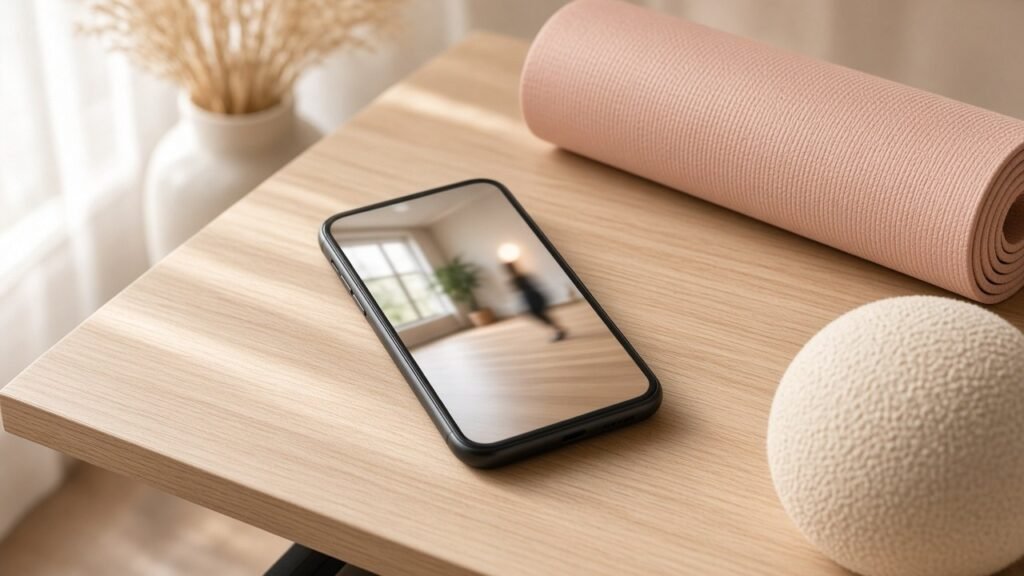
Orbit or slow pan around a mat, ball, or branded prop. Square 1:1 works for feed ads; vertical for Stories. This is classic e-commerce motion — the kind Nubee demos with studio orbit presets — applied to coaching merch and session props without needing a product shooter on site.
5. Bilingual EN/ES prompts for LatAm and US audiences
Nubee accepts motion prompts in English (US) and Spanish. That matters if your client base spans the US and Latin America. Describe camera movement and mood in the language you already coach in; keep the same still library.
6. Bot workflow between client sessions
When you have three minutes between sessions, open the Nubee AI Bot, send a gallery photo, and save the MP4 to camera roll. Web Studio is better when you want presets and aspect control; the Bot wins for speed on phone.
How a simple coach workflow looks
- Pick a clear still — portrait, form cue, studio, or product — with good light and no clutter.
- Open Web Studio or the Bot.
- Choose 9:16 for Reels/TikTok/Shorts (or 16:9 / 1:1 when the platform needs it).
- Guide motion in EN or ES, or use a preset (dolly, orbit, wind drift).
- Generate (~12s), review identity and lighting, then export MP4 and post with an honest caption.
Start free at nubee-ai.com — no credit card for the free try — then decide whether Studio or Bot fits your week.
What this review does not claim
Nubee AI is an image-to-video generator. It does not replace coaching skill, certification, or clinical advice. This article does not invent pricing tiers beyond the published free try, and it does not treat AI motion as proof of medical or intimate-health outcomes. For training substance, stay with IntimFLEX education and coach support; for content production speed, Nubee is a practical layer on top of photos you already trust.
Verdict
For IntimFLEX coaches who live on social, Nubee AI is a strong fit when you need mobile-first, social-ready motion from stills — especially portraits, studio atmosphere, form tips, and product shots — with EN/ES prompting and a free try that does not demand a card. Keep the creative honest, keep the teaching real, and use the clip to invite people into proper coaching rather than to oversell results.
Try it: Nubee AI — turn photos into video. Then point warm leads to your IntimFLEX path or a coach chat when they are ready to train, not only to watch.